

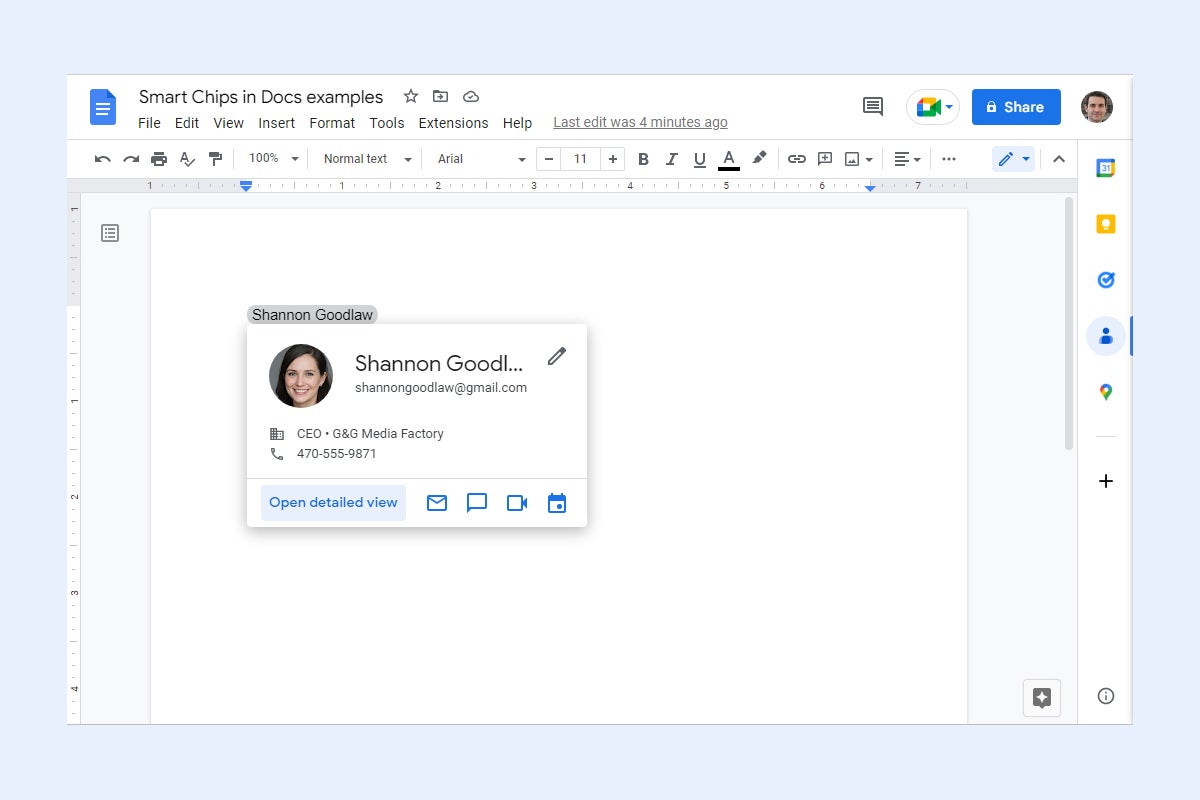
In Google Docs and Sheets, you can make your documents and spreadsheets more interactive by adding smart chips to them. These are highlighted portions of text; when you move the pointer over one of them, a small card that contains more information pops open.
For example, a smart chip containing a co-worker’s name opens a card with their contact info, or a smart chip with the name of a business opens a card showing its map location. Other types of smart chips include dates, links to related files or meetings, and interactive dropdowns.
Smart chips are mainly meant to be used on documents or spreadsheets that you’re sharing with others — such as a project document you’re collaborating on with co-workers. The chips help provide extra information to other people viewing and interacting with your document or spreadsheet. Your collaborators can update existing smart chips and add new ones.
