


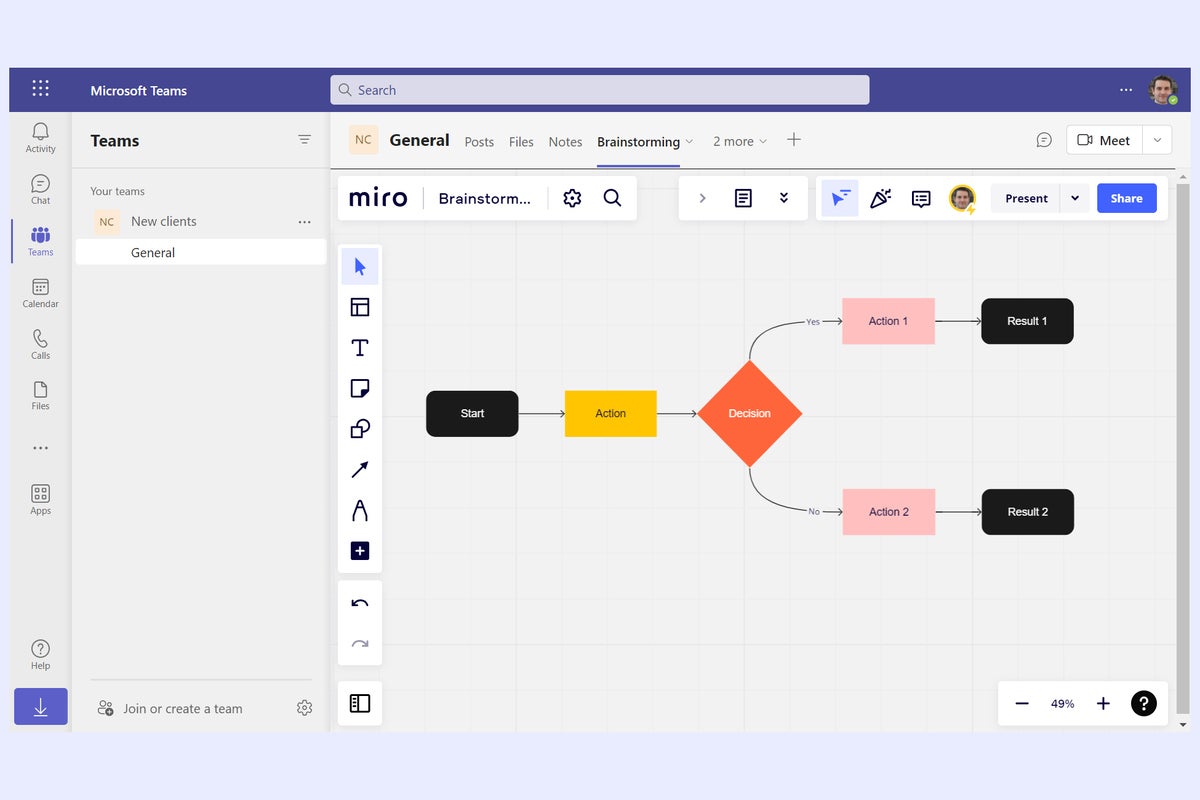
Hundreds of apps are available for Microsoft Teams that make it easier for you and your co-workers to get work done without leaving the Teams interface. You can add an app as a tab at the top of a Teams channel or group chat so it’s always available to you and your colleagues with a single click.
There are Teams apps for every business purpose, and even some tailored for specific industries. Some are Microsoft apps, but many are third-party apps that integrate popular services into Teams.
In this guide, we’ll showcase some popular Teams apps that help you and your co-workers collaborate on documents, notes, projects, or other content.
How to find and add Teams apps
Open a channel or chat and click the + icon (“Add a tab”) to the right of the tabs running along the top of the main window. On the panel that opens, you’ll see several suggested apps.
