

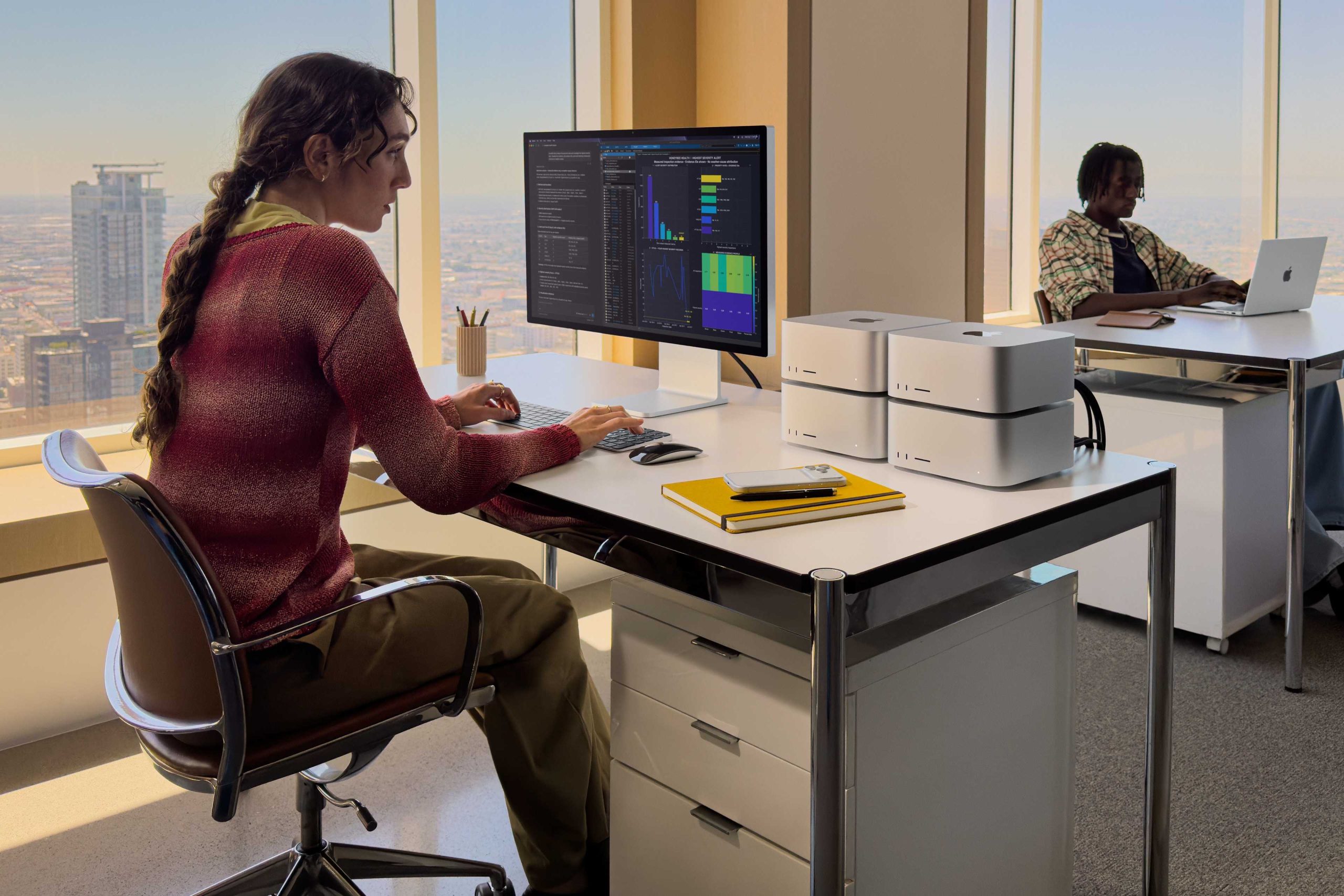


Headless, no hanging
I know a lot of you will end up wanting to run some kind of headless setup using this Mac. You’ll have it working furiously as your domestic or business AI server, chewing through your data, vibe coding opportunistic app creations, rendering video off your main Mac, and more. In my own little experiment, I found myself typing sentences for this review (this sentence, actually) on a Mac mini using a keyboard on a MacBook that happens to have the Mac Studio in its active window over vnc, and nothing ran slow. It means that if you run this Mac headless, it’s no slouch.
Better yet, once you have the Mac set to run as a headless unit, you’ll be able to download LM Studio, install your choice of AI, and chat to your heart’s content. Your AI running privately and securely for you on your device, and — one more thing — it’s fast and responsive. What’s not to like? I used it to design and develop a capability test to put the Mac through its paces.
Apple’s focus on AI is strategic, of course. Apple knows its hardware has pretty much occupied the AI development space, to the extent that almost any LLM you use was probably at least in part made on a Mac. AI is up there with CAD and medical imaging among the most demanding tasks you can do on any PC, let alone a Mac. And these Macs can handle all those tasks. I did want to try stringing four of these Macs together to run as an AI cluster, but at $12,000+ each that wasn’t going to happen.
